How to Create Your First AI Track: A Practical Walkthrough
 AI Musician Team
Build a clear brief, choose vocals or instrumental music, compare generated tracks, refine one decision and save your first useful result.
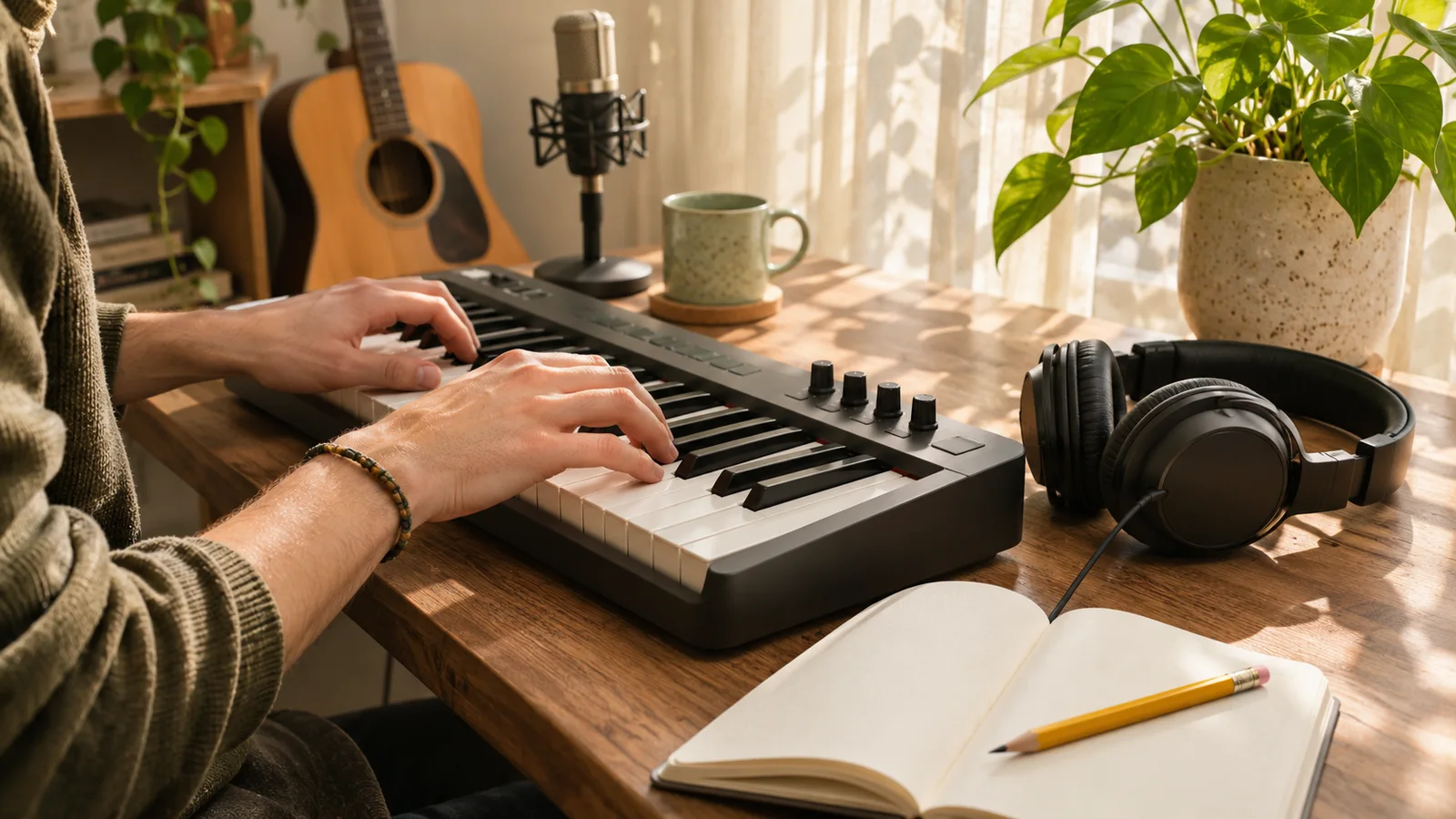
Your first AI music project needs a useful finish line: one track you have listened to, compared against a brief and saved.
We will make background music for a short, narrated travel recap. The objective is gentle movement beneath speech.
1. Write a brief you can check by listening
Before opening the generator, answer four questions: What will the music accompany? What should it feel like? Which sounds matter most? What should leave room for something else?
For our travel recap, a useful brief is:
An unhurried acoustic instrumental for a narrated weekend travel video. Warm fingerpicked guitar, soft piano and light brushed percussion. A steady, gentle pulse, an understated opening and enough space for spoken narration. No singing.
This describes a purpose and a few compatible choices. If you request a tempo or length, treat it as guidance. A fixed edit length may require trimming the downloaded audio in your own editor.
2. Choose the right creation mode
Open Music Generator and prepare the description. Choose instrumental music for this example. The actual vocal control matters; do not rely only on the phrase “no singing” buried in a long prompt.
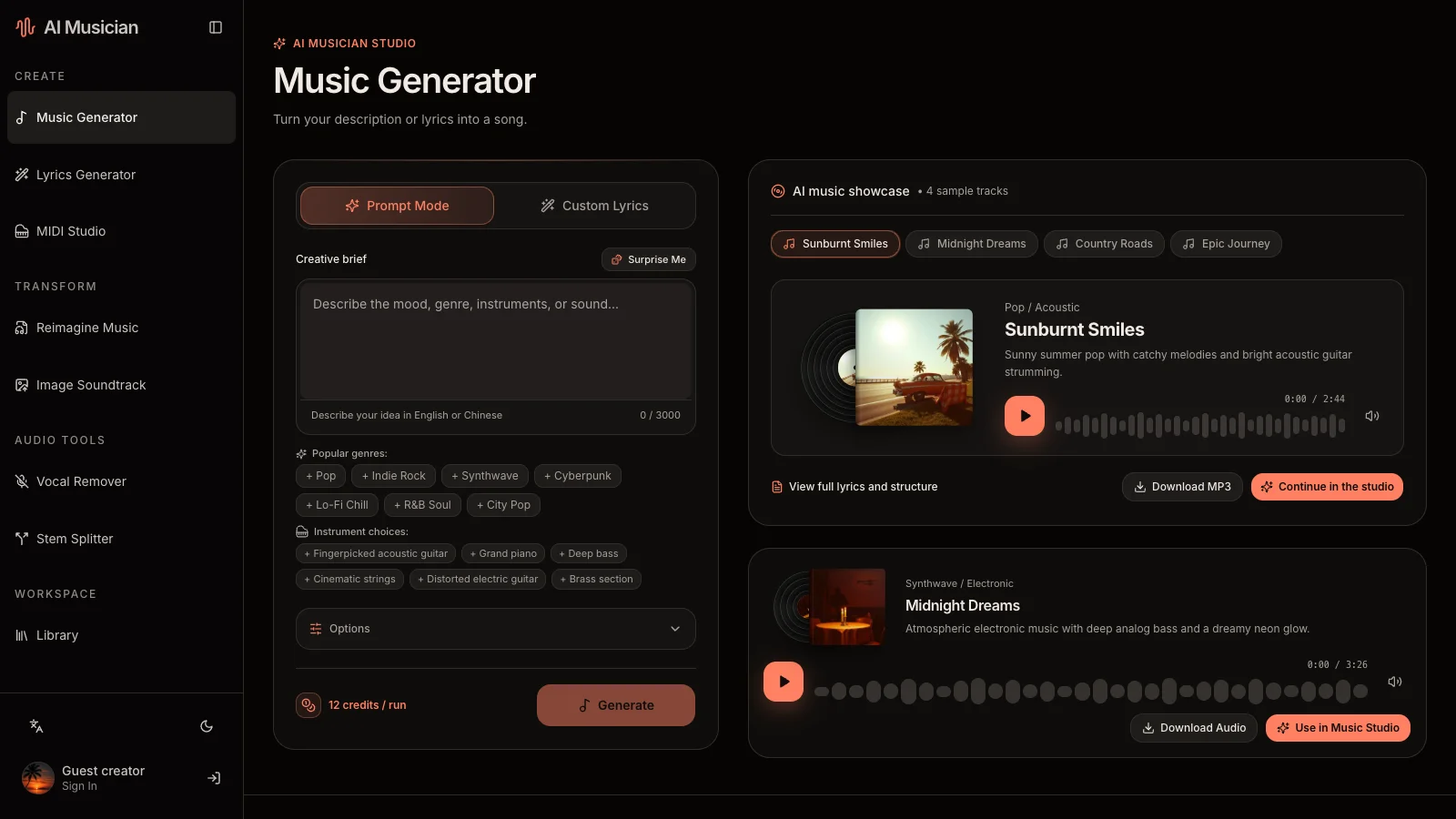
| If your goal is… | Use this starting point | Check before submitting |
|---|---|---|
| Music underneath a spoken video | Description plus instrumental choice | No lyrics are required |
| A sung demo with your words | Custom lyrics and a separate musical style | Review the lyrics and vocal choice |
| Words before you decide on a melody | Lyrics Generator | Its output is text, not recorded audio |
| A new interpretation of an existing recording | Reimagine Music | Choose Cover or Reference deliberately |
In custom mode, a musical style is required. A vocal custom request also needs lyrics; an instrumental does not. Keep the words in their own field and use the title to identify the project rather than expecting it to control the arrangement.
3. Review privacy and the displayed cost
You can explore the page before signing in, but generation requires an account. Check the credit cost shown for the selected task and review the visibility notice before you submit.
Free-plan generated results are public. Eligible subscribers can select private results before generation. One-time credits and subscription privacy are different things, so do not infer privacy from a positive credit balance or an account Library.
Processing time varies. Follow the task’s displayed state instead of expecting a fixed completion window. If it is still pending, return to that task and inspect its status before submitting a duplicate request. If an error is shown, read the message and check the saved task before deciding what to retry.
4. Listen beyond the opening
Once the task succeeds, play every available candidate. Use a comfortable, similar playback volume when comparing versions. Then play the track with the narration it is meant to support.
Use a short listening checklist:
- Does the opening allow the first sentence to be heard clearly?
- Do the busiest passages compete with the speaker?
- Is the rhythm consistent with the pace of the pictures?
- Are there abrupt changes or an ending that needs editing?
- Would you still choose it after hearing the middle, not just the first few seconds?
Save a note such as “A supports the voice; B has too much percussion.” A louder candidate is not necessarily more suitable.
5. Change one decision, then compare again
For our example, imagine the first arrangement is too busy. Keep the acoustic mood and change only the density instruction:
Sparse fingerpicked guitar and occasional soft piano. Minimal percussion, no large builds, and generous space between phrases for narration.
Generate another version only after checking its cost. Compare it to the earlier candidate in the same section of the video. Changing the genre, energy, instruments and intended use at once makes it difficult to learn which change helped. New generations vary; a revised prompt is not an exact edit of the previous waveform.
Optional: build a sung version from a lyric draft
For a sung travel song instead, ask Lyrics Generator for a first-person memory of leaving a small station at sunrise, with a short chorus and concrete details. Read the result aloud and revise awkward lines before moving it to custom music generation.
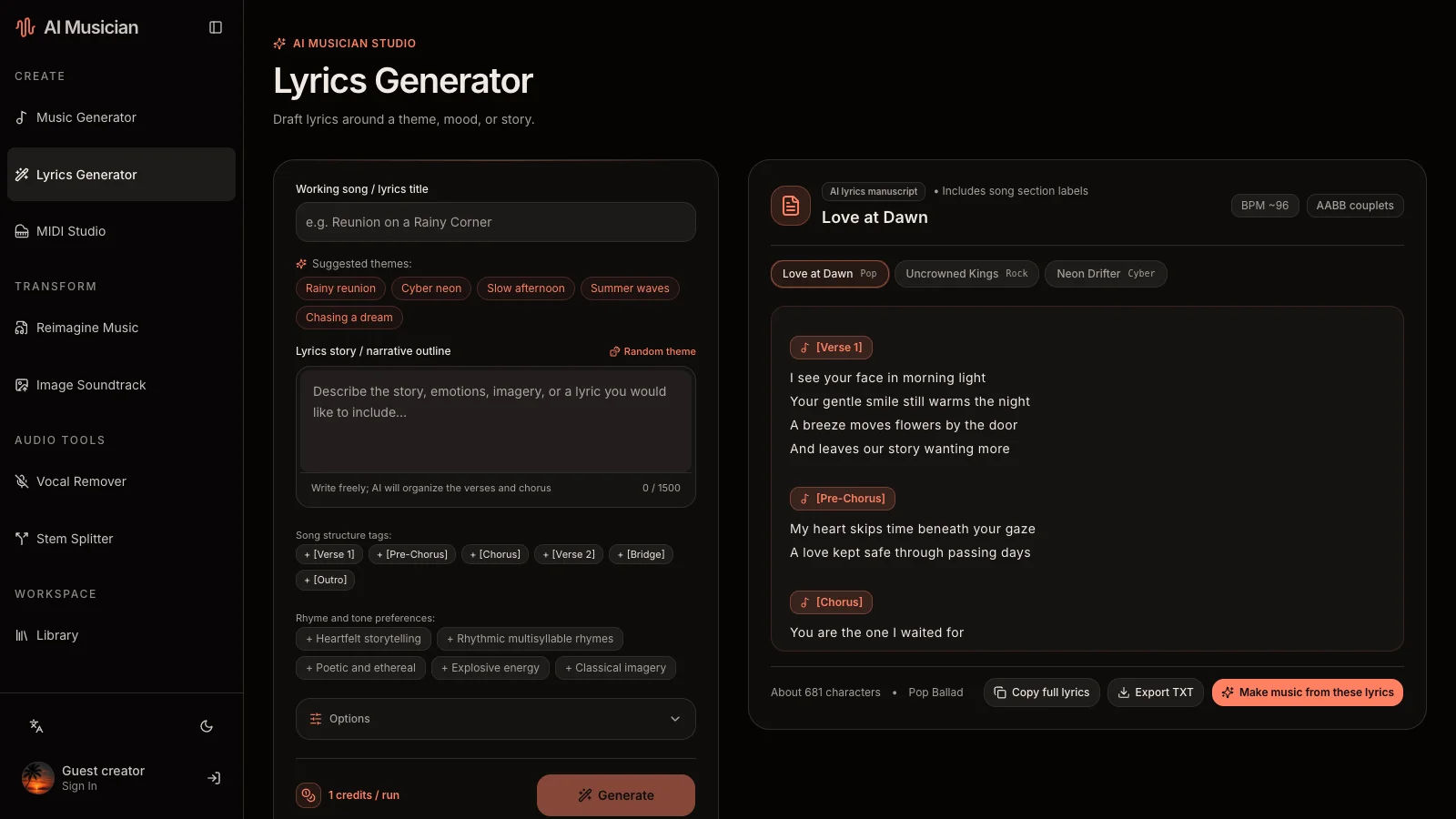
Keep the narrator consistent and shorten crowded lines. The prompt-writing guide explains how to make the musical direction easier to evaluate.
6. Download and keep an editable record
Download the actual audio offered on the successful result page. Listen to the saved file and give it a useful name, for example weekend-recap-gentle-v2. Keep the prompt, lyric draft and task reference alongside it. Do not assume a universal bitrate, lossless format or permanent temporary URL.
Trim and balance the track with narration in your editing software. If you want to edit individual MIDI notes, start or import a MIDI project in MIDI Studio; a generated audio file is not automatically an editable MIDI arrangement.
Before you share
A public task is not automatically featured in Showcase: eligible successful work needs administrator approval. Check source permissions and the applicable license information before publishing; a download is not an automatic commercial-rights guarantee.
Can I guarantee an exact duration or a particular singer?
No. Evaluate the returned audio and plan any final timing edits. A description cannot guarantee a particular performance.
Where should I look when I get stuck?
Start with Music Generator documentation and the seven-tool guide. Choose another tool only when you can name the problem it will solve.