How to Write a Better AI Music Prompt
 AI Musician Team
Build stronger music briefs with three practical prompts, a weak-to-strong example, lyric preparation, and a focused listening-and-revision process.
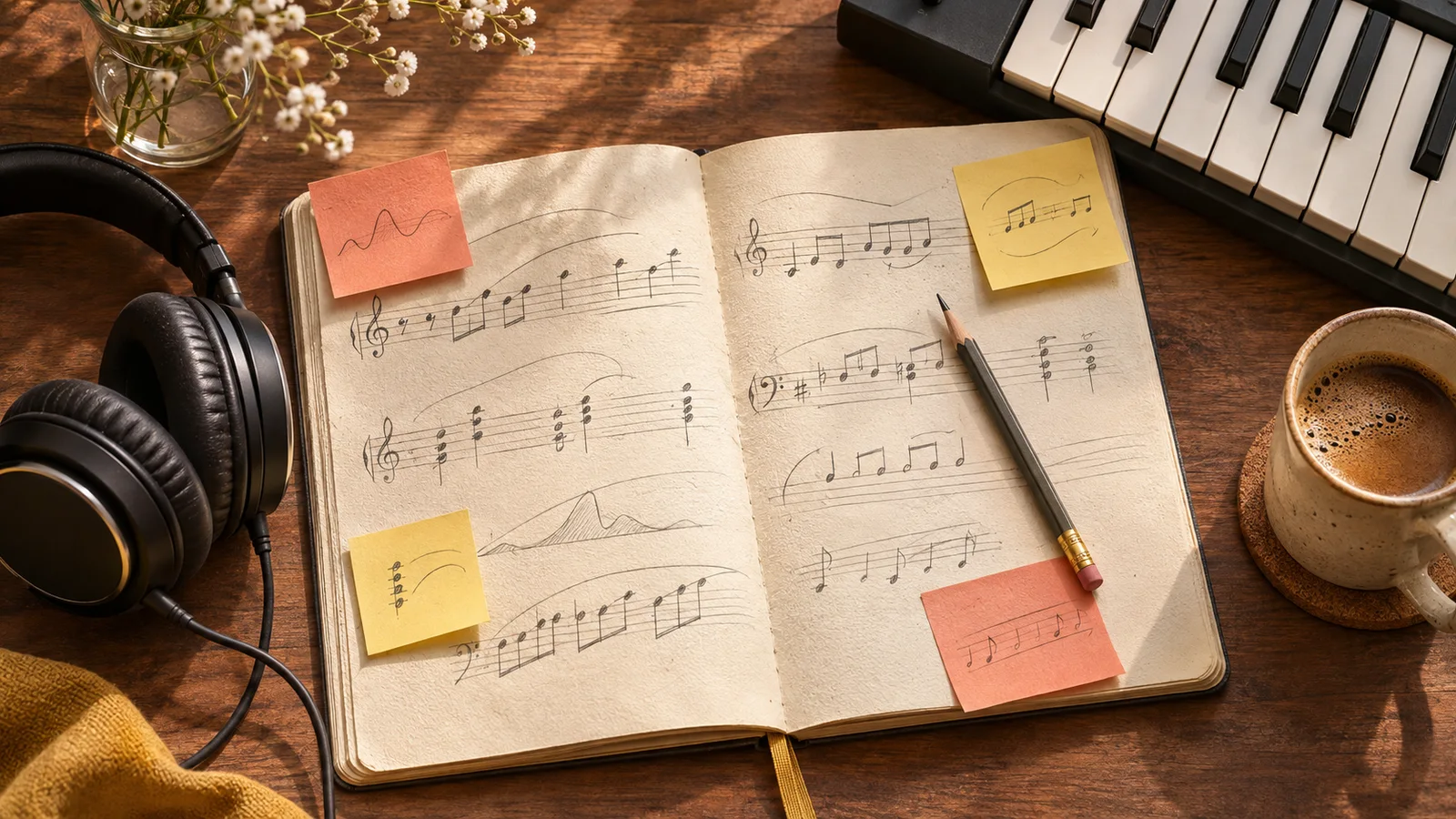
A better music prompt starts with a decision: what job should this piece do? Background music beneath speech, a pop chorus, and an exploratory game theme need different arrangements. Start there before collecting genre labels.
Adapt the three briefs below, then listen. Describing a tempo or length does not guarantee an exact BPM, duration, or edit point.
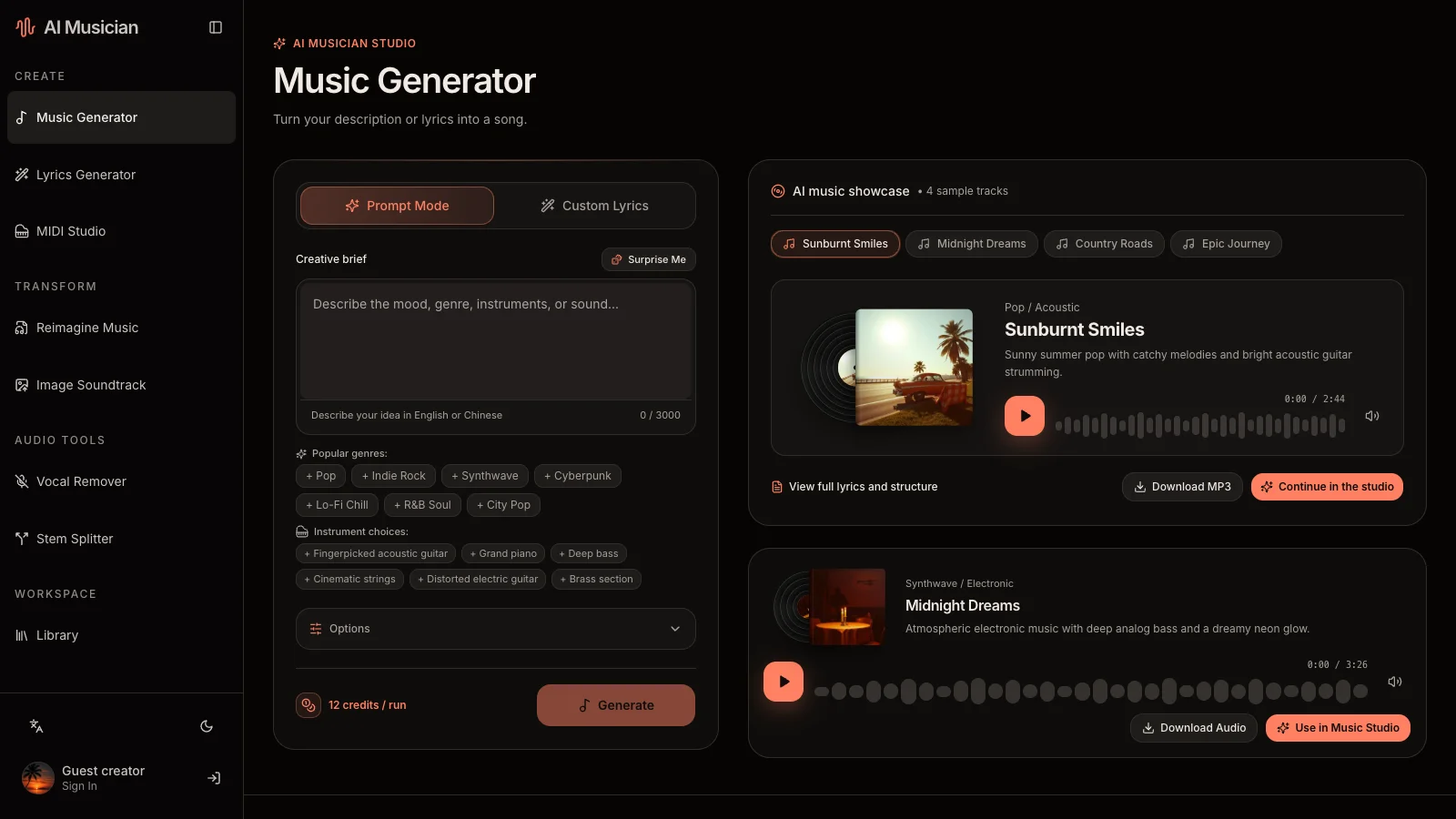
Build a brief around audible choices
Choose compatible decisions from these six dimensions rather than filling every category with adjectives.
| Dimension | A useful instruction | Why it helps |
|---|---|---|
| Purpose | Background for a spoken travel diary | Establishes how much space to leave |
| Mood | Reflective, with quiet optimism | Gives the piece an emotional center |
| Musical vocabulary | Acoustic folk with a relaxed pulse | Connects rhythm and sound palette |
| Lead and support | Fingerpicked guitar leads; soft bass supports | Makes the arrangement hierarchical |
| Development | Sparse opening, warmer middle, gentle ending | Describes an arc without a second-by-second script |
| Voice and texture | Instrumental; close, natural recording | Clarifies the foreground and production feel |
Put the strongest constraint first: room for narration, for example, or the melodic and dynamic contrast of a chorus.
Change vague praise into a musical brief
Weak: “Amazing cinematic music for my video. Emotional, epic, relaxing, with lots of instruments.”
The model must reconcile competing energy levels and guess what “amazing” means. Replace those judgments with decisions you can hear:
Stronger: “Reflective acoustic instrumental for a travel diary with spoken narration. Fingerpicked guitar leads over a restrained bass line and light percussion. Keep the opening spacious, introduce a warm pad in the middle, and finish gently. Avoid big drum hits and a busy lead melody beneath the voice.”
Now you can judge whether the guitar leads, the middle develops, and the narration has room.
Three prompts to adapt
1. A podcast or travel-film bed
Warm acoustic instrumental for a thoughtful spoken story. Fingerpicked guitar, rounded bass, and light brushed percussion. Unhurried pulse, steady energy, and plenty of space in the midrange. Begin simply, add a soft sustained layer as the story develops, and end with a gentle release. Keep melodic phrases short and avoid dramatic drum fills.
Enable instrumental music in Music Generator. Test the output beneath actual speech: a beautiful solo listen can still compete with narration.
2. A hopeful pop song
Hopeful indie-pop song about moving to a new city while missing home. Warm lead vocal, clean rhythmic guitar, supportive bass, and a restrained live-drum feel. Make the verse intimate and let the chorus become wider and more singable without turning into a stadium anthem. Conversational words, concrete everyday images, and a brief reflective bridge.
If particular words matter, review them separately and put your chosen lyrics into the music tool's custom lyrics field. A style description does not supply the text to sing.
3. A gentle exploration-game theme
Instrumental theme for exploring a peaceful coastal village. Soft electric piano carries a simple motif, with muted plucked strings, a rounded low end, and small hand-percussion accents. A lightly moving pulse rather than a driving beat. Let the texture gradually open, then return to a quieter arrangement. No lead vocal and no sudden orchestral climax.
Inspect transitions and endings. For a seamless game loop, edit the downloaded audio in your production workflow; a prompt does not establish loop boundaries.
Separate lyrics from musical direction
Use Lyrics Generator to explore perspective, imagery, and verse–chorus structure. “A narrator who notices small signs of home in an unfamiliar city” is more actionable than “beautiful emotional lyrics.” Read the draft aloud and replace awkward lines before generating a song.
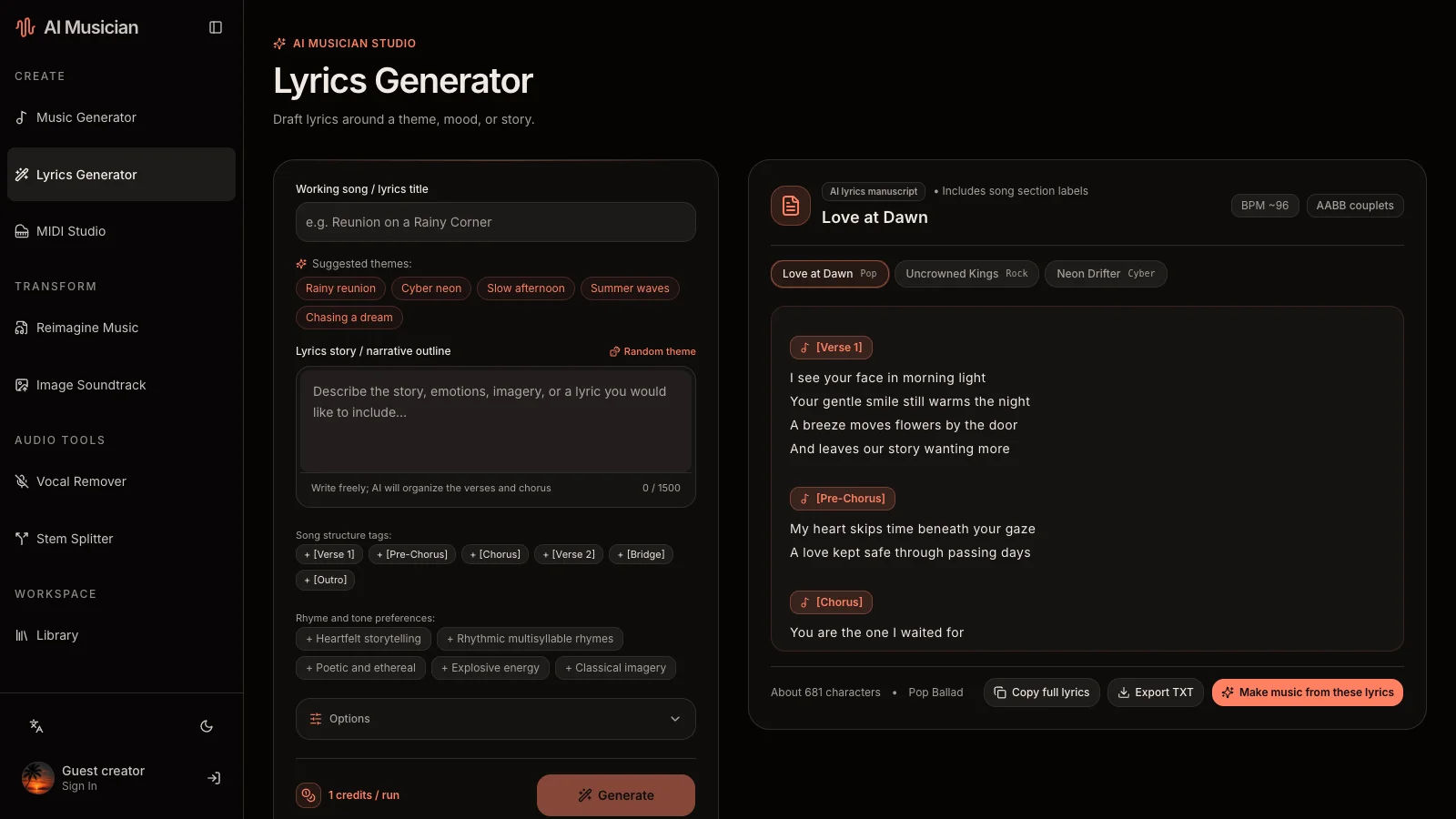
Keep arrangement instructions in the musical brief. In custom mode, review the style and lyric fields separately so production notes are not accidentally treated as sung words.
Revise one dimension at a time
Save the previous wording and a short listening note. Then change one row, rather than rewriting the entire concept.
| What you heard | Change next | Keep stable |
|---|---|---|
| Narration is masked | Ask for fewer foreground phrases | Genre, lead instrument, pulse |
| Chorus feels flat | Ask for broader backing layers at the chorus | Story, vocal character, verse |
| Drums dominate | Ask for lighter percussion and fewer fills | Harmony and principal melody direction |
| Atmosphere is too grand | Reduce orchestral language and describe a smaller space | Purpose and emotional tone |
A new generation may vary beyond the edited instruction. Compare the overall trade-off rather than assuming the system changed only one audio stem. Agent can help rewrite your observation into a cleaner brief; your listening remains the evidence.
Questions before your next attempt
Should I specify a precise BPM or duration?
You can describe the intended pace, but verify the completed audio. Do not plan a fixed video cut around an unmeasured generated duration. Use MIDI Studio when you want to work directly with editable notes and tempo; it is an editor, not a way to recover MIDI from every generated song.
Why did the result ignore an instrument?
First remove competing lead instruments and unrelated genres. Give one sound a clear role, generate again, and compare. More text does not necessarily create stronger control.
Does public mean featured in Showcase?
No. Free-plan generated results are public; subscribers can choose private results. Showcase features supported public tasks only after administrator approval. Review the visibility notice before submitting.
Next session, adapt one example and note the first audible change to test. Continue with the music guide or Agent workflow.