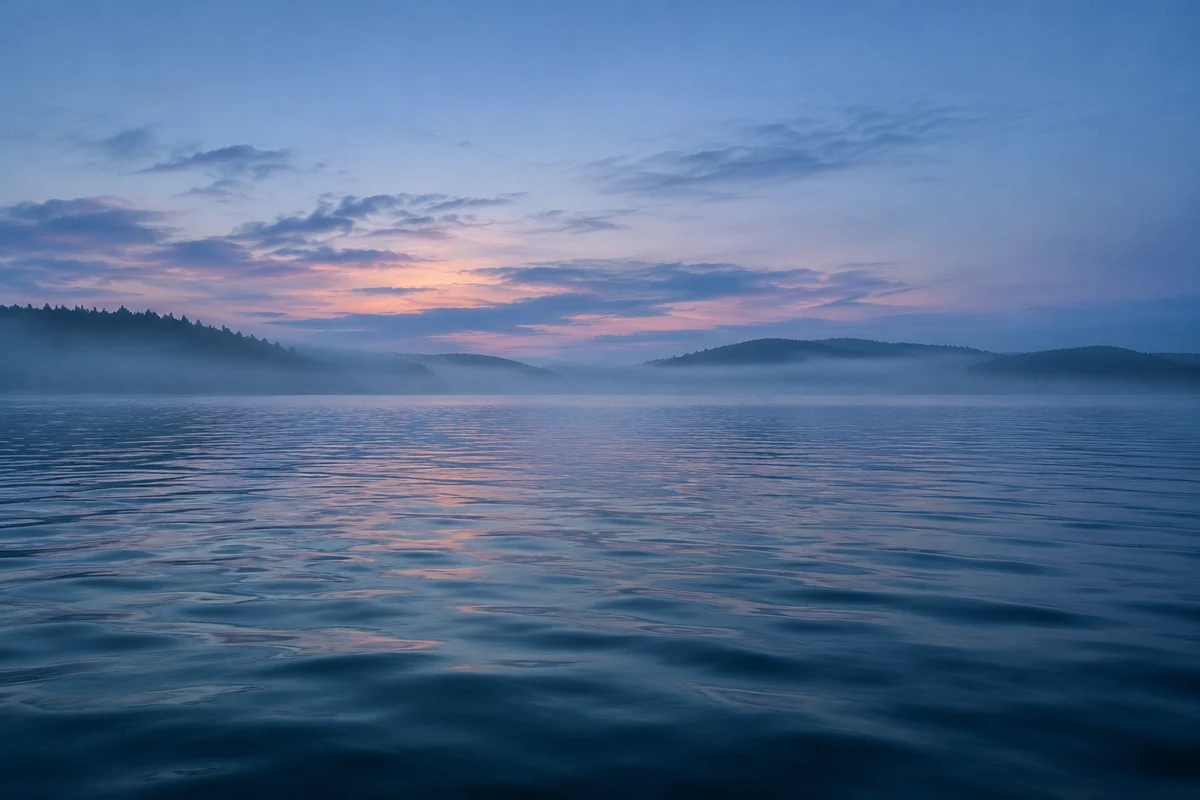
Whispers Over Water
Ambient / New Age
 AI Musician
Upload a photo or artwork to create instrumental music that matches its mood.
0 / 1000
14 credits / run
Ambient / New Age
An image to music generator starts with a visual reference rather than a finished musical brief.
Image Soundtrack reads a photo or artwork for cues such as subject, lighting, color, and atmosphere, then uses that interpretation to guide instrumental music. Your creative direction can explain which feeling matters most: the stillness of a mountain scene, the tension of an empty street, or the warmth of a family photograph. The result is a separate audio track to review and download. It is useful when you know what a scene should feel like but have not chosen a musical vocabulary. The image supplies a starting point; it does not prescribe a particular key, tempo, or arrangement.
Music generated from this image
Folk-pop fusion with a steady moderate pulse, brushed percussion and syncopated hand taps; verse rides fingerpicked guitar and low violin drones, pre-chorus widens with bowed strings and claps, chorus opens into warm stacked harmonies. Close-mic lead vocal with light harmony doubles, short delay throws on key words, and a few breathy ad-libs. Reversed string swells, woodblock ticks, and a lift before the final chorus. Earthy, warm, and detailed with a polished acoustic mix., acoustic, rhythmic, violin, steady
A quiet harbor at dawn suggests a different direction from a crowded market. Explain whether the music should sit beneath narration or become the focus between scenes. After generation, audition the track against the sequence in your video editor. You may need to trim the audio, adjust its level, or choose a different section. Image Soundtrack supplies music; the image and audio are assembled elsewhere.
For a small cabin in heavy snow, request a restrained arrangement with soft piano and sparse percussion. For a bright product photograph, describe a lighter rhythmic direction without assuming that bright colors must mean fast music. Keep the intended use specific. A gallery listening piece can have more movement than a short background cue that must leave room for speech.
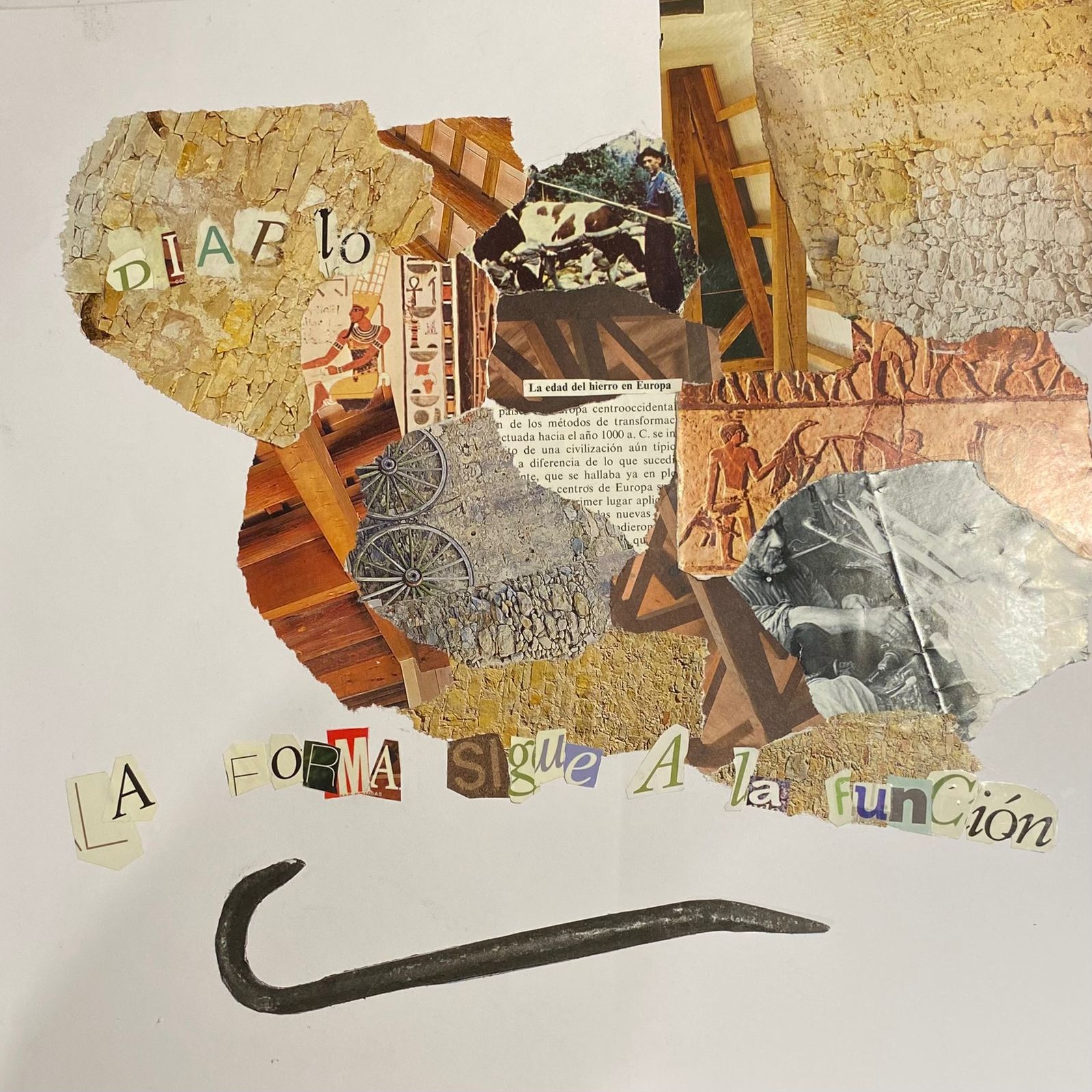
Upload one JPG, PNG, WebP, or GIF, no larger than 10 MB. Before uploading, prepare a crop that emphasizes the subject you want interpreted. A tiny person surrounded by a large cityscape may communicate the city more strongly than the person. If text or a collage dominates the image, explain the intended mood in words. Do not upload a video expecting scene changes to be followed automatically; this workflow begins with one image.
Add an optional direction using instruments, energy, and purpose. For example: warm acoustic guitar, unhurried rhythm, and enough space for a spoken introduction. Mood tags can offer a starting point, but remove conflicting instructions before submitting. Asking for both a tense action cue and a quiet reading background gives an unclear target. Sign in, review the displayed credit cost and result visibility, then submit the image and direction together.
When the task completes, listen to the available candidates while viewing the source. Compare the opening, the main musical section, and the ending rather than choosing by the first few seconds alone. Check whether the track supports the intended scene and leaves room for other sound. Download the selected audio for your project, and retain the task in your Library for later review. Keep a local copy of important results.
Separate the mood of the picture from the job of the music.
A dramatic photograph may still need a subdued soundtrack for an interview. State that relationship explicitly instead of relying on visual analysis to infer the finished edit. The image to music generator can use your additional direction, but a requested instrument or mood is a creative instruction, not a guaranteed isolated part.
Compare versions using the same image and a clear listening question.
If the first result is too busy, change the density instruction before changing the image, genre, and energy together. This makes the next comparison more informative. Image interpretation is subjective, and generated music may differ from your imagined soundtrack; evaluate the result against the project rather than treating the image as an exact musical score.
No. The output is instrumental audio. Download it and combine it with your photos, artwork, or video in your own editor. Transitions, captions, image timing, and final video export are separate editing steps.
You can describe instruments, structure, and intended length in your creative direction, but those requests do not guarantee a particular performance or exact timing. Audition the completed audio and trim or arrange it in your editor when it must fit a fixed scene.
Free-plan generated results are public. Subscribers can choose private results before submitting. Check the visibility notice instead of assuming that an account Library makes every result private. A temporary source-image upload is also not a permanent image backup.
Choose one image and one intended listening experience. Prepare the direction before generating, then use the result as a cue to evaluate in context. Continue with another version only when you know which musical decision you want to change.